Plugin Only Access

 0

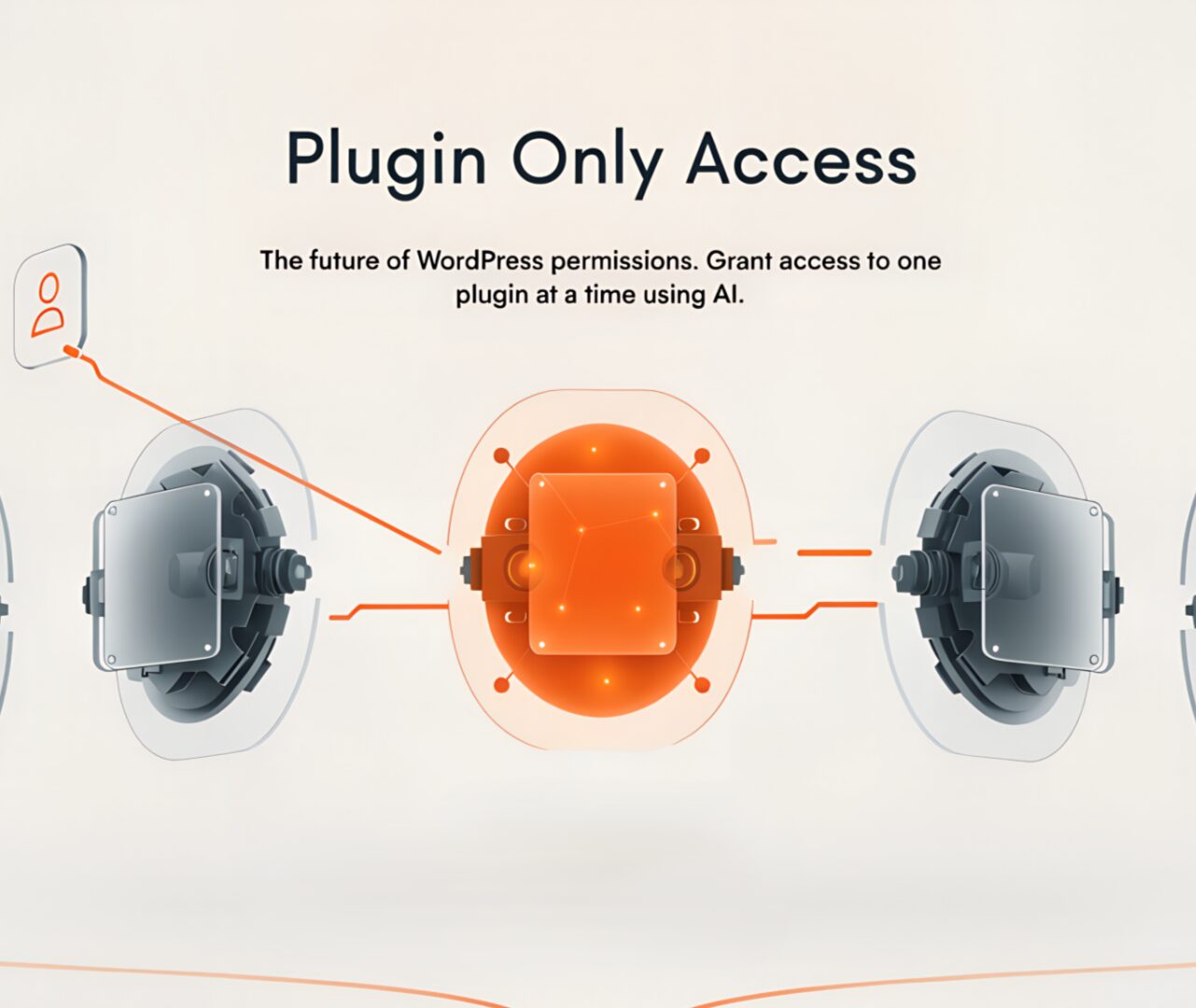
Give a user access to only the plugin you choose. Plugin Only Access lets admins create a role called “Plugin only user”, pick which plugin(s) that role can use, and lock that user out of everything else in the dashboard.
SKU POA-01 Category Tags ,

What it does

Plugin Only Access gives site administrators precise, minimal WordPress admin access for contractors, clients, or support staff. Create a user with the role “Plugin only user”, select exactly which plugin or plugins they may access, and that user will only see and open those plugin screens when they log in. No other admin menus, no other plugin pages, no accidental changes.

Key benefits

  • Precise access control for third parties and non-technical users
  • Reduce risk by limiting what a user can view or change in wp-admin
  • Simple workflow that uses native admin menus for fast setup
  • Ideal for plugin-based support, client demos, or siloed editors

Features

  • Role creation: adds the role “Plugin only user” for assignment
  • Plugin selector in Settings -> Plugin Only Access to choose which plugins are allowed
  • Assign users via Users -> All Users -> Edit -> Role -> Plugin only user
  • When logged in as a plugin only user, only the allowed plugin admin pages are visible and accessible
  • Works with most plugins that use standard admin menu items

How it works (high level)

  1. Admin goes to Settings -> Plugin Only Access.
  2. From the plugin list, admin checks the plugin or plugins to allow for plugin-only users.
  3. Admin navigates to Users -> All Users, edits the target user, and sets Role to Plugin only user.
  4. The target user logs in. Their dashboard shows only the allowed plugin menu and screens. They cannot access posts, pages, themes, plugins, settings, or other admin pages.

Step-by-step setup

  1. Install and activate the plugin.
  2. Open the plugin settings: Settings -> Plugin Only Access.
  3. You will see a list of installed plugins. Check the box next to each plugin you want plugin-only users to access. Save changes.
  4. Assign the role:
    • Go to Users -> All Users.
    • Click the user you want to configure.
    • Click Edit.
    • In the Role dropdown choose Plugin only user.
    • Update the user.
  5. Test the account by logging in as that user or using an incognito window. They will only see the plugin admin entry points you selected.

Behavior notes and expectations

  • The role restricts access to admin menu items and plugin admin pages only. Frontend behavior is unchanged.
  • If multiple plugins are selected, the user will see each allowed plugin’s admin entries.
  • The plugin relies on standard WordPress admin menus. Plugins that render pages outside of normal menu registration may need verification.
  • Administrators retain full access. Super admins and multisite network settings are not changed by this plugin.

Common use cases

  • Give a client access to configure a single plugin such as a page builder or form plugin without exposing other settings.
  • Allow a freelance support agent to manage a single plugin for troubleshooting.
  • Provide limited access for data entry or plugin-specific maintenance.

Security considerations

  • Limit the number of users with the Plugin only user role to only those who need it.
  • Combine this plugin with strong passwords and two factor authentication for plugin-only accounts.
  • Test allowed plugin screens to confirm no unexpected admin capabilities are exposed by third party plugins.

Compatibility

  • Designed for single-site WordPress installs. Works with most plugins that add their admin pages using WordPress menus.
  • Multisite: behavior may vary. Test on a staging multisite network before production use.
  • Confirm compatibility with plugins that create custom admin pages or use nonstandard access hooks.